3 scenes
Book mockup generator
Upload your front cover and see it as a real hardcover: held up in a bookshop, standing on a coffee table, or as a stack of copies for launch day. The title and author name stay spelled exactly as on your cover.
Make a book cover mockup5 free mockups, no card needed
Book cover mockup examples
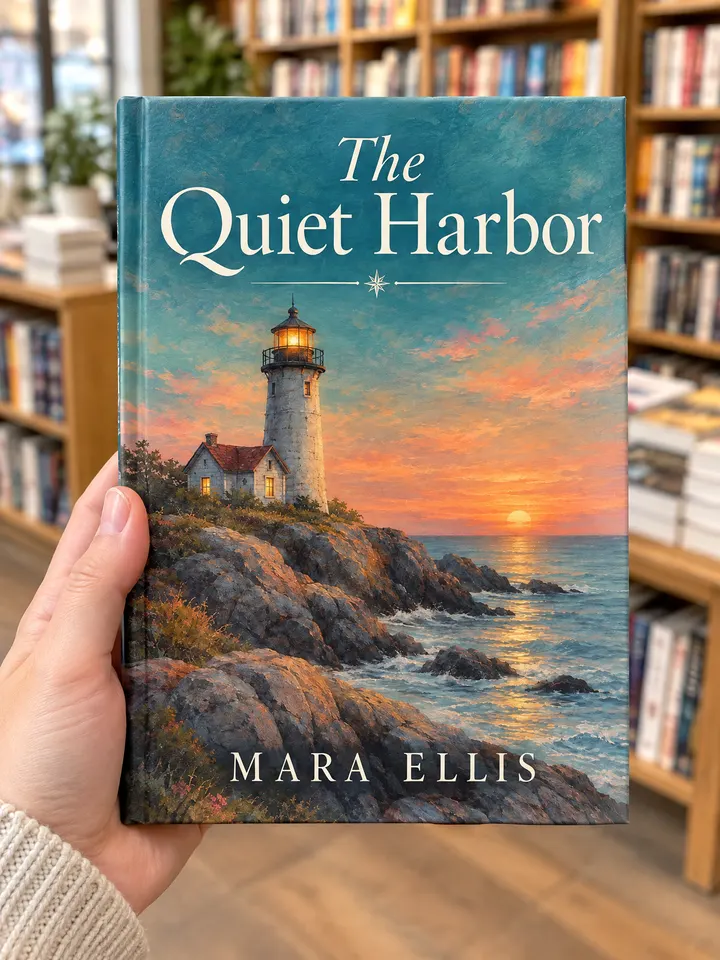
In hand 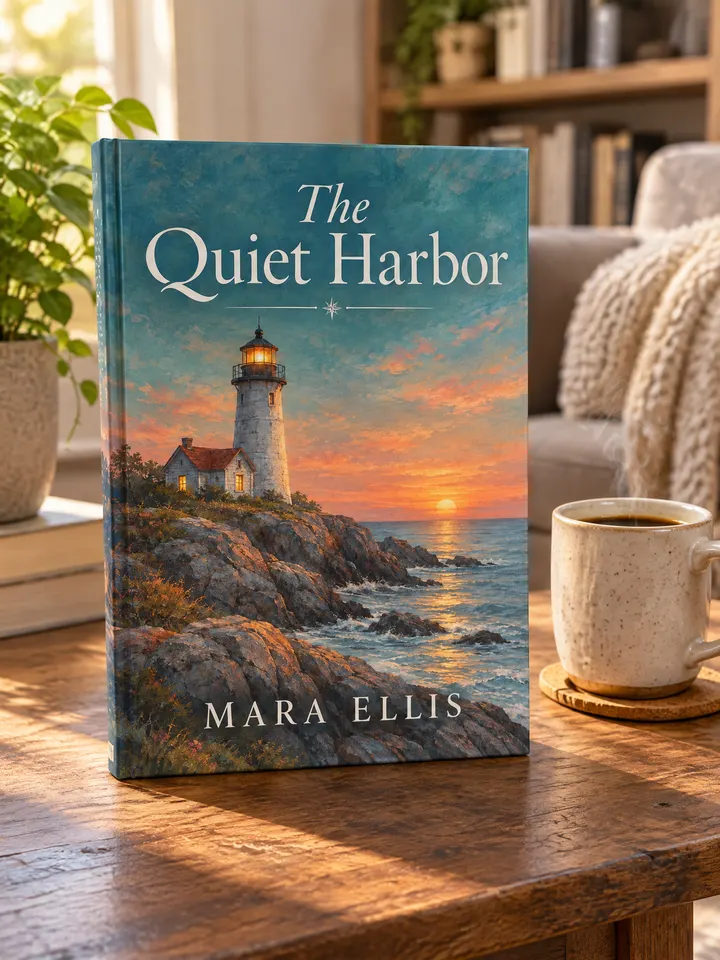
On a table 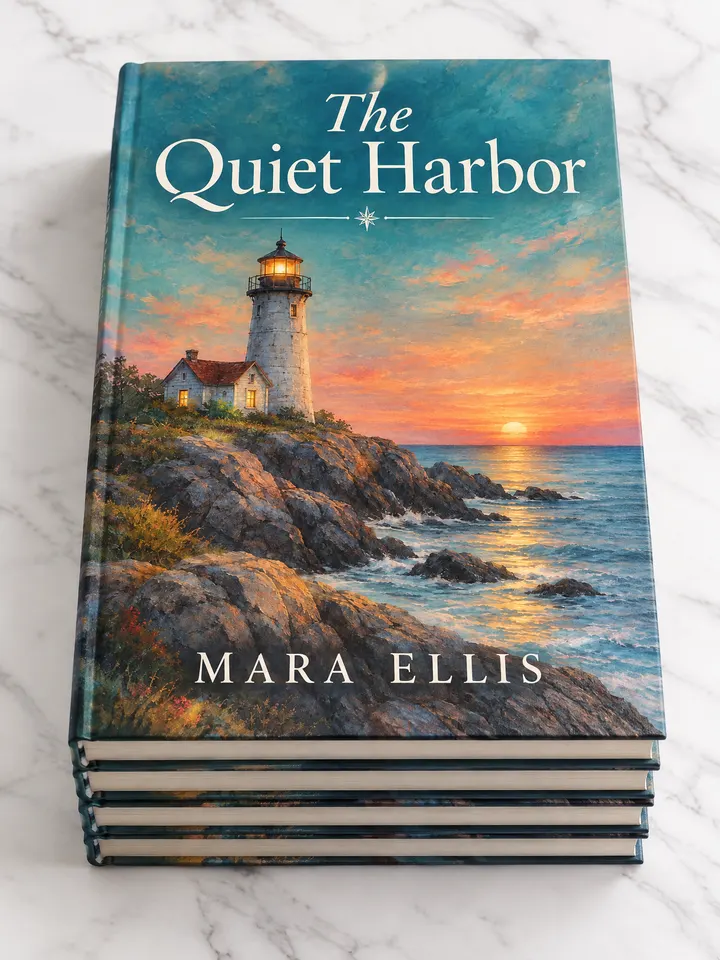
Stack of copies
Real outputs from the generator, made with our own sample designs.
Scenes
- On a table
- In hand
- Stack of copies
What it's for
- Launch graphics for self-published authors (Amazon KDP, IngramSpark)
- Cover reveals on Instagram, TikTok and newsletters
- Showing a cover concept to an author or publisher
Tips for better book cover mockups
- 1
Upload the front cover only
Use the flat front cover file, not the full wraparound with spine and back.
- 2
Use the stack for launch day
A stack of copies says "out now" better than a single book.
- 3
Keep text away from the edges
Like a real print, a little margin keeps the title clear of the board edge.
Book cover mockup questions
Is it a hardcover or paperback?
All scenes show a hardcover with a matte finish.
Will my title be readable?
Yes. Title and author are reproduced exactly; in our tests the lettering matched the cover letter for letter.
Can I show the spine?
The scenes show the front cover. Spine-only and back cover views are not available yet.