T-shirt mockup generator
Upload your print and get a t-shirt photo that looks shot for your shop: worn on a street or in a studio, laid flat, or on a hanger. The print follows the folds of the fabric and keeps its colors and lettering.
T-shirt mockup examples
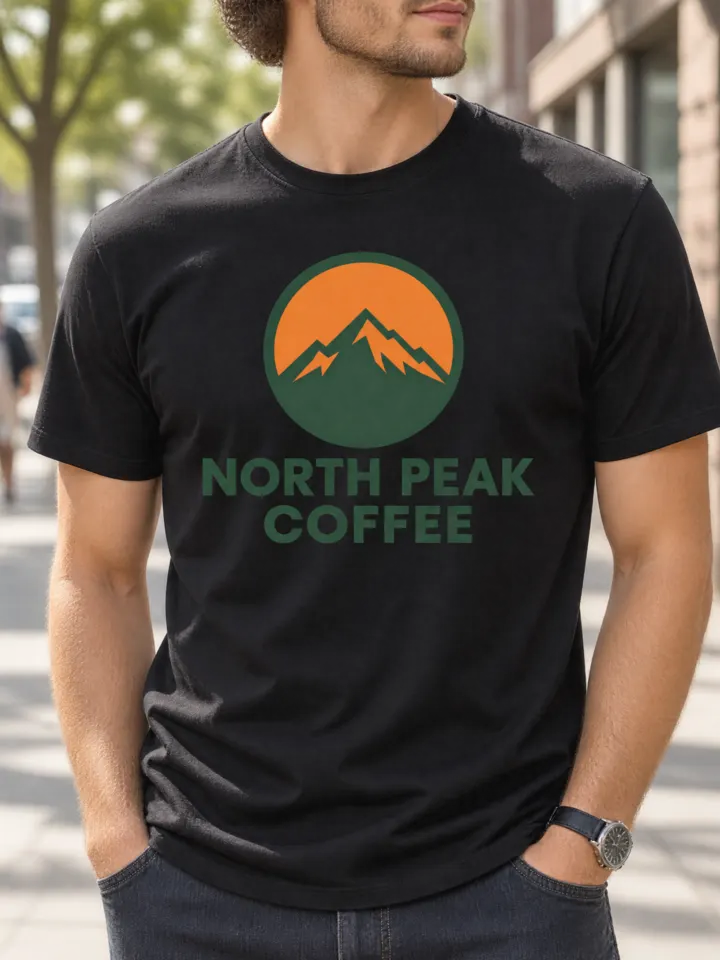
On a model, street · black 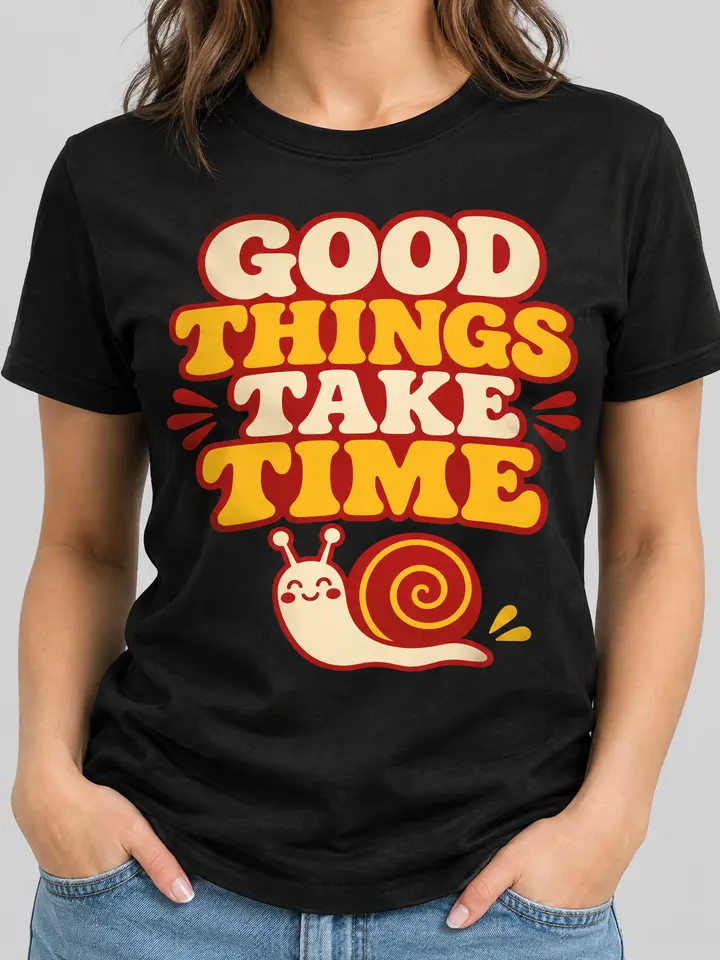
On a model, studio · black 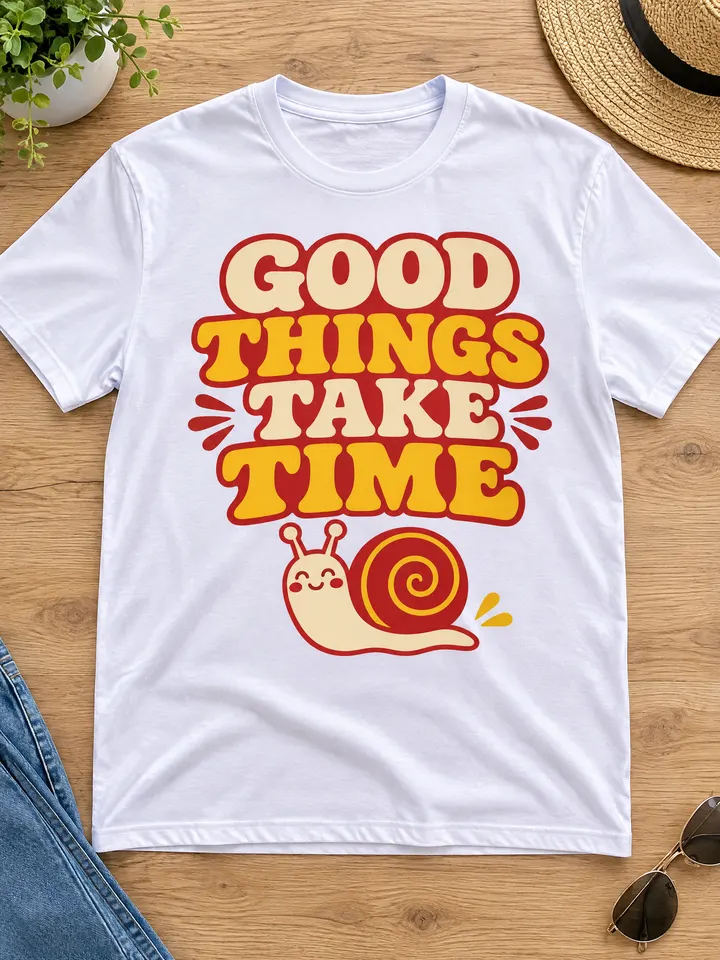
Flat lay · white 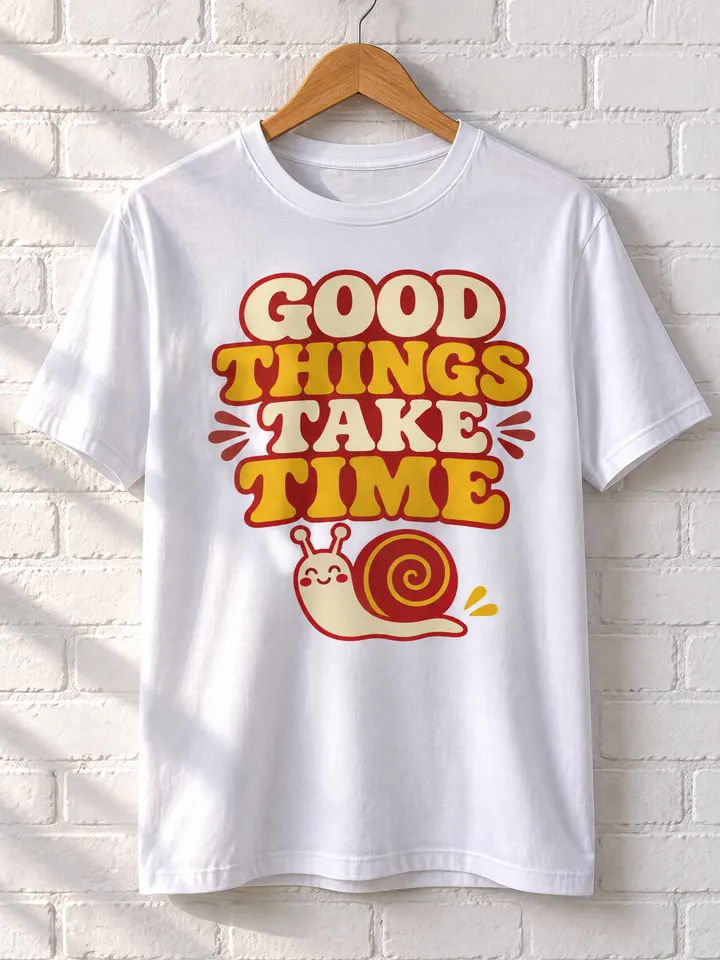
On a hanger · white
Real outputs from the generator, made with our own sample designs.
Scenes and colors
- On a model, street
- On a model, studio
- Flat lay
- On a hanger
Colors: White, Black, Heather grey, Navy, Sand.
What it's for
- Listing photos for print-on-demand shops on Etsy, Shopify and Amazon Merch
- Showing a band, team or event shirt before you order the print run
- Social posts and ads for a new drop, without a photo shoot
Tips for better t-shirt mockups
- 1
Use a transparent PNG
A design without a background prints like a real screen print. A design with a white box prints the box too.
- 2
Check contrast on dark shirts
Dark ink on a black or navy tee is hard to read in real life and in the mockup. Try the white or sand shirt for dark designs.
- 3
Make the street shot your main photo
On-model photos usually make the best first image of a listing; add the flat lay to show the whole print.
T-shirt mockup questions
Which shirt colors can I use?
White, black, heather grey, navy and sand. Pick the color before you press Make; each color is a separate mockup.
Will the print be the right size?
The design is printed large on the chest, like a standard front print. If you need a small left-chest logo, place it that way in your design file with empty space around it.
Do I need a model release?
No. The people in the photos are generated, not real models, and faces are kept partly out of frame.