3 scenes
iPhone mockup generator
Drop in an app screenshot, a website on mobile or a design, and get it on a modern phone: held in a cafe, lying on a desk, or floating on a soft gradient. Interface text stays sharp enough to read.
Make a iphone mockup5 free mockups, no card needed
iPhone mockup examples
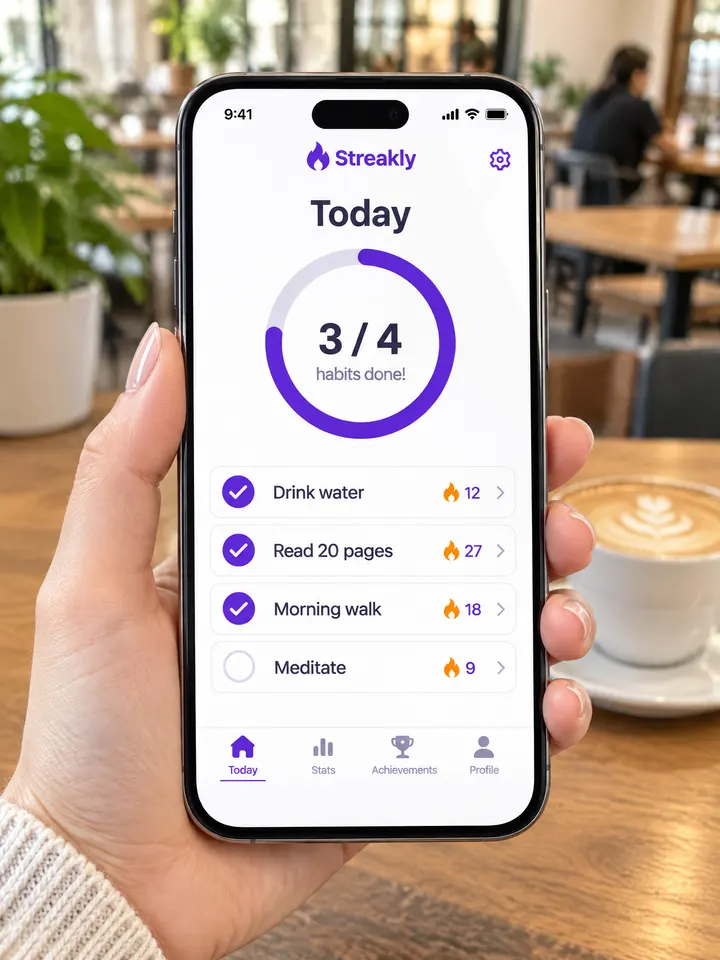
In hand 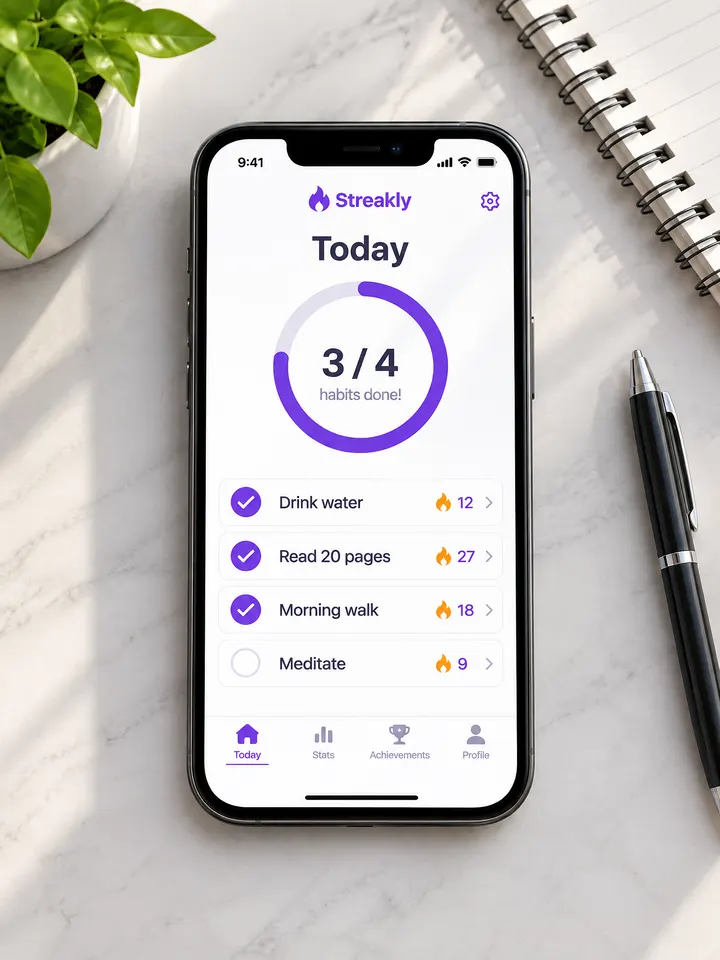
On a desk 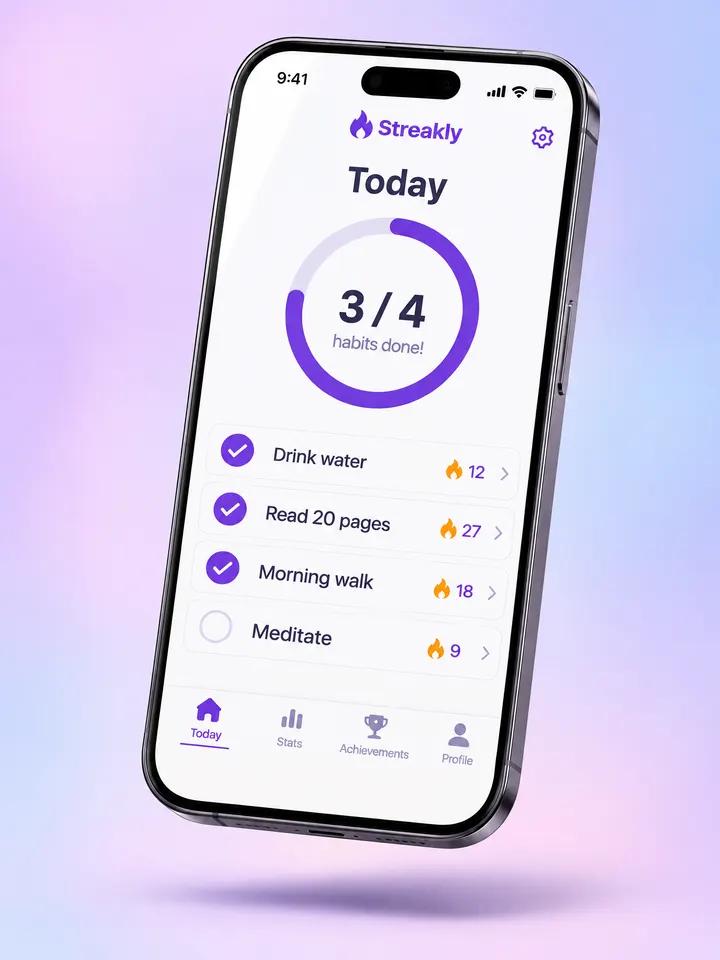
Floating
Real outputs from the generator, made with our own sample designs.
Scenes
- In hand
- On a desk
- Floating
What it's for
- App Store and Google Play marketing images
- Landing pages and launch posts for apps and mobile sites
- Portfolio shots for UI and UX designers
Tips for better iphone mockups
- 1
Upload a full-screen screenshot
A portrait screenshot at your phone’s full resolution fills the display best.
- 2
Use floating for clean backgrounds
The floating scene works for hero images with text next to it.
- 3
Use in hand for social posts
A hand and a cafe make the app feel used in real life.
iPhone mockup questions
Is it an Apple iPhone?
The scenes show a modern phone with thin bezels in the style of current iPhones. No brand logos are shown.
Will small text stay legible?
In our tests list items, labels and tab bar text stayed readable. Very small text may soften, as on a real photo.
Can I use a landscape screenshot?
The phone is upright in every scene, so portrait screenshots work best.